Rumble-First, Not Rumble-Also
Paste your official Rumble Live Stream API link once. Follows, subs, gifted subs and rants turn into alerts, goals and stats. Your link is stored encrypted and never shown again in full.

Private Beta · Built for Rumble
Alerts, overlays, chat games and a creator page that updates itself. Rumble-first, and completely quiet when you're offline.
Why PhosTools
Paste your official Rumble Live Stream API link once. Follows, subs, gifted subs and rants turn into alerts, goals and stats. Your link is stored encrypted and never shown again in full.
Your overlays don't poll. They wait on a private, quiet channel and only fetch when something actually happens. Leave OBS open all week: no requests, no function calls, just a tiny heartbeat.
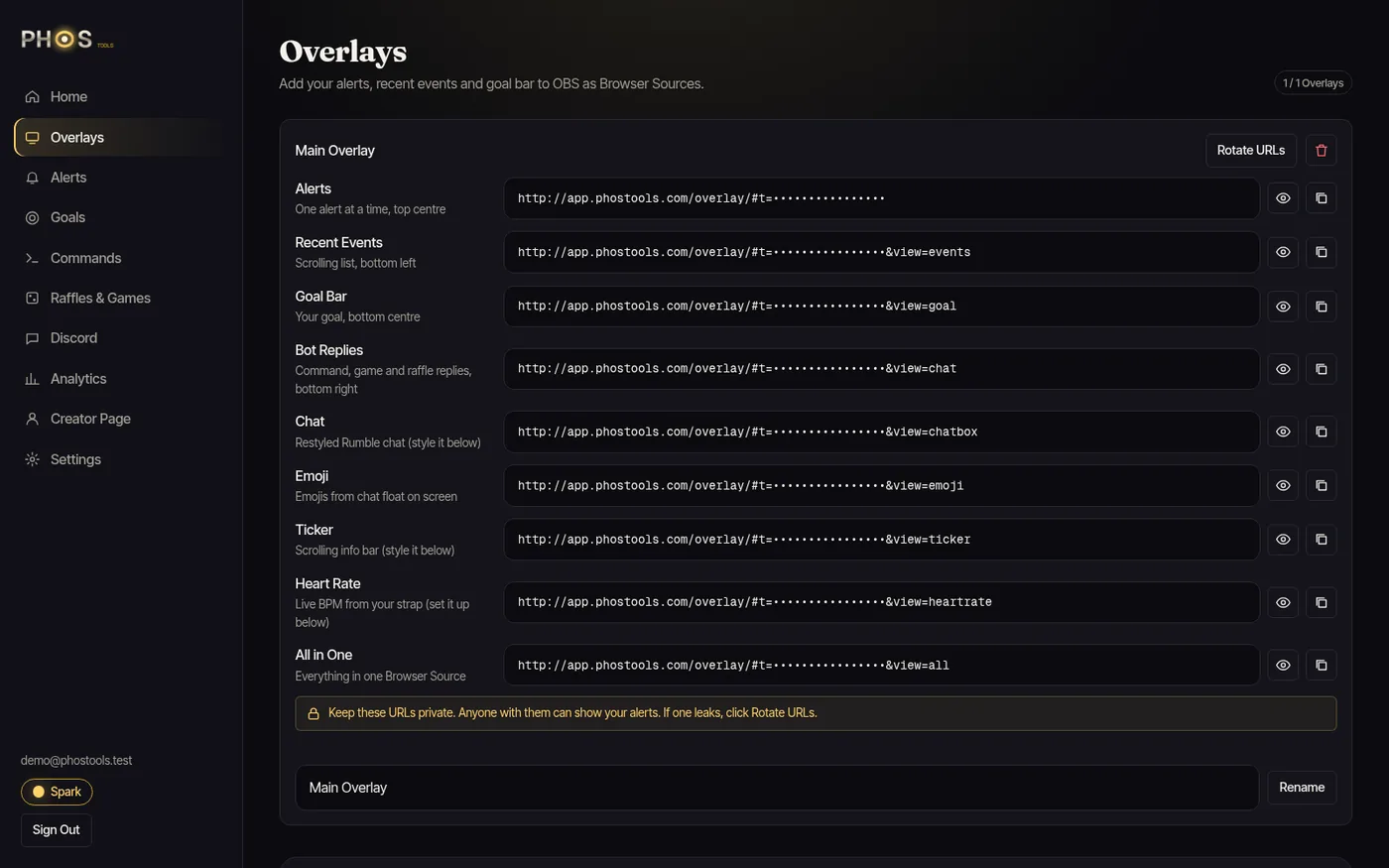
Every overlay URL carries a secret token. Leaked it on stream? Rotate it and the old link stops working.
1920×1080 transparent sources, soak-tested under heavy fake traffic with flat memory. Set it up once and forget it.
Your stream is yours. The free plan only adds a small "Powered by PhosTools" badge.
Everything Included
Scroll through what's built today. Every picture is the real product running on demo data.
01
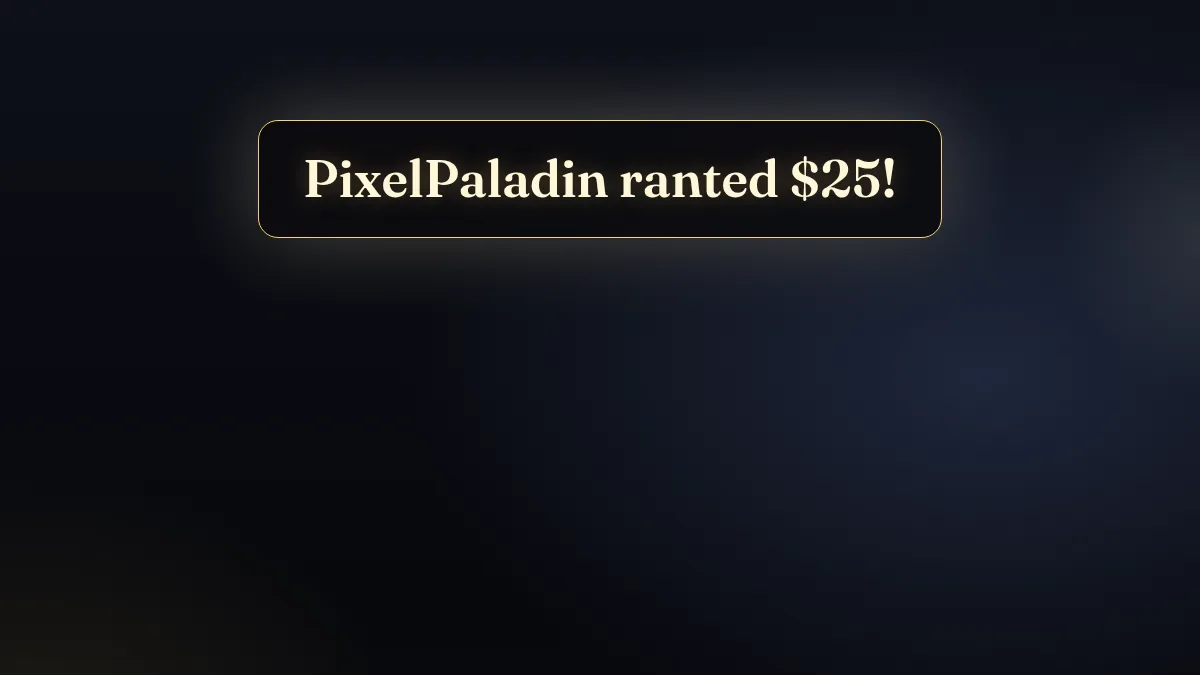
A polished alert for every official Rumble event: follows, subs, gifted subs and rants. Set the text, sound and duration for each, and fire a test from the dashboard.
02
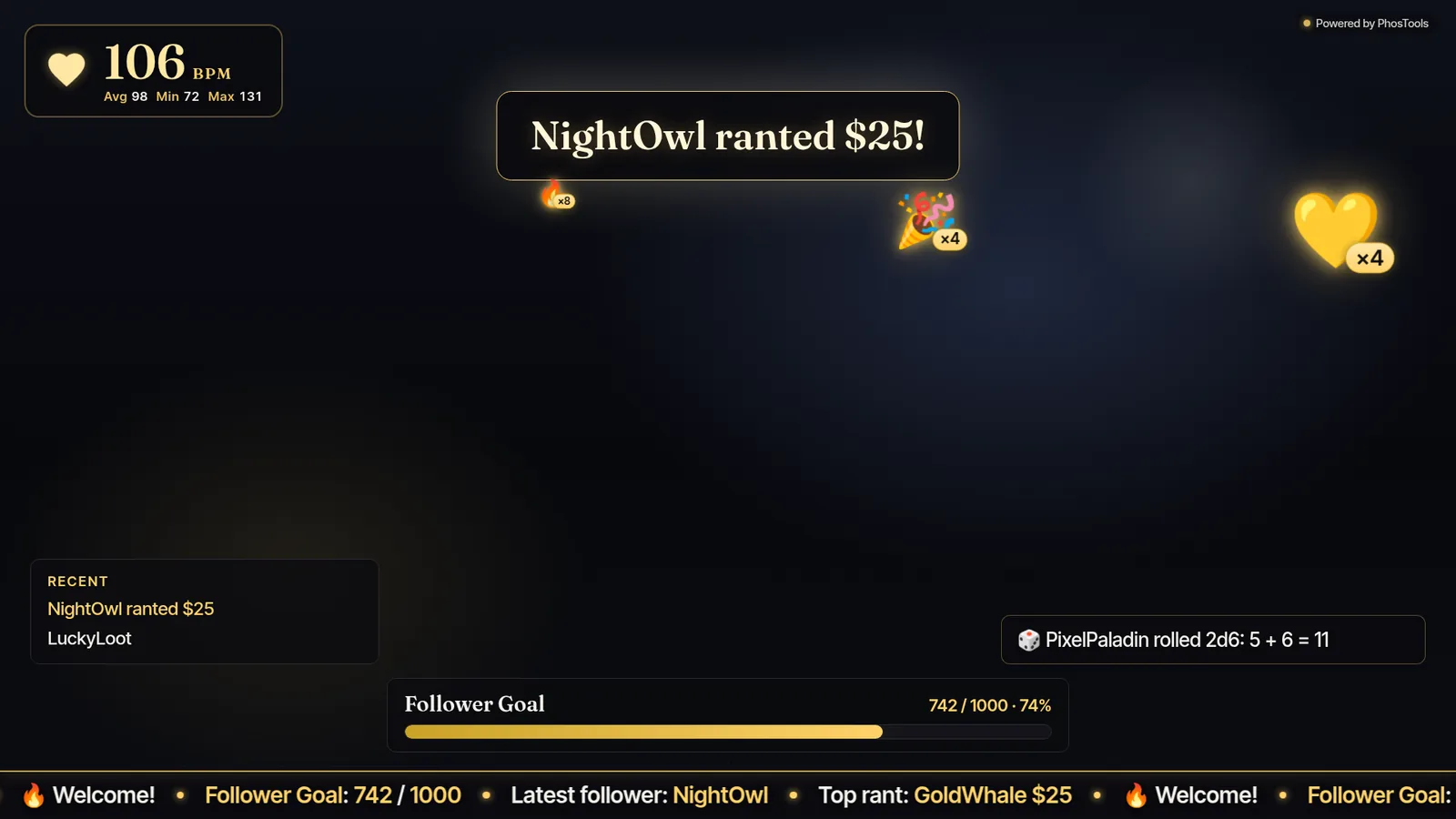
A scroller of your latest supporters and a goal bar that fills from real Rumble events: followers, subs or rant dollars.
03
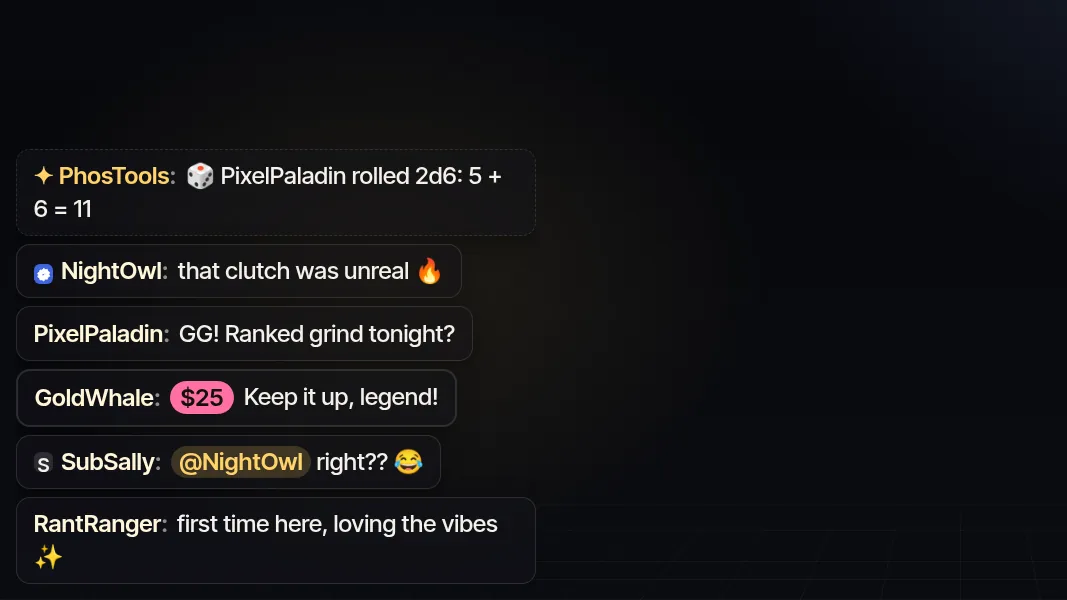
Your Rumble chat on screen, styled to match. Rants stand out, mentions are highlighted and game results show up right in the flow.
04
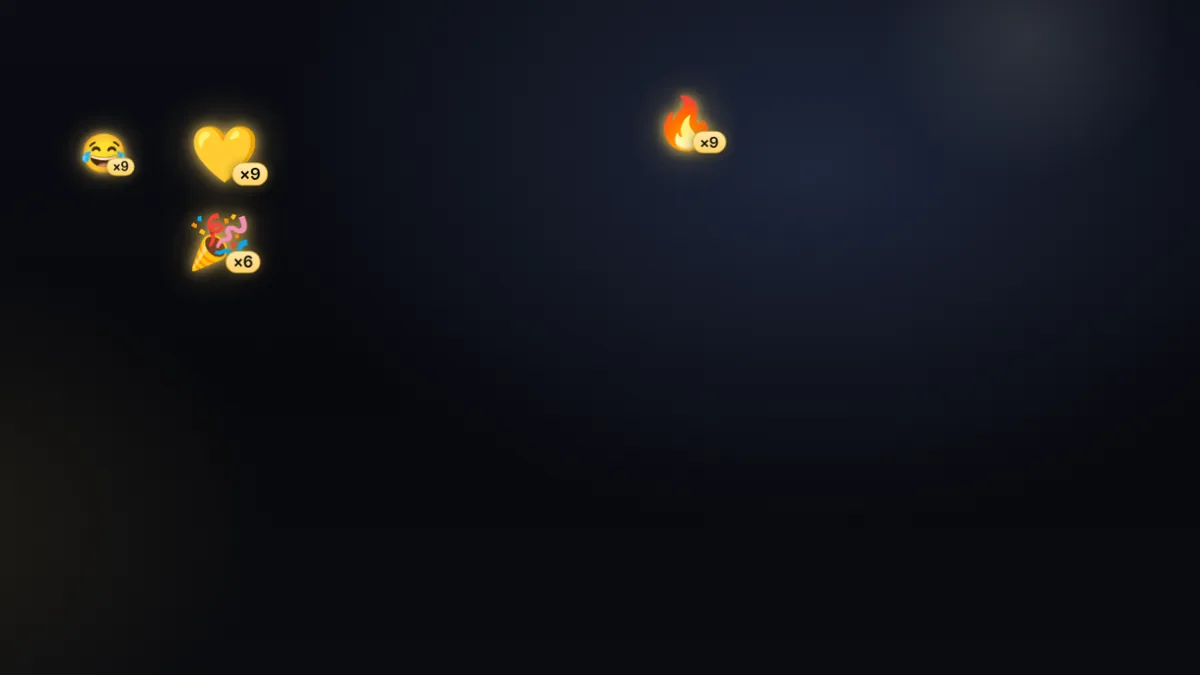
When chat spams emoji, they float across your stream with combo counters. Hype you can see.

05
A smooth scrolling bar for your goal, latest follower, top rant and your own messages, at the top or bottom of the screen.
06
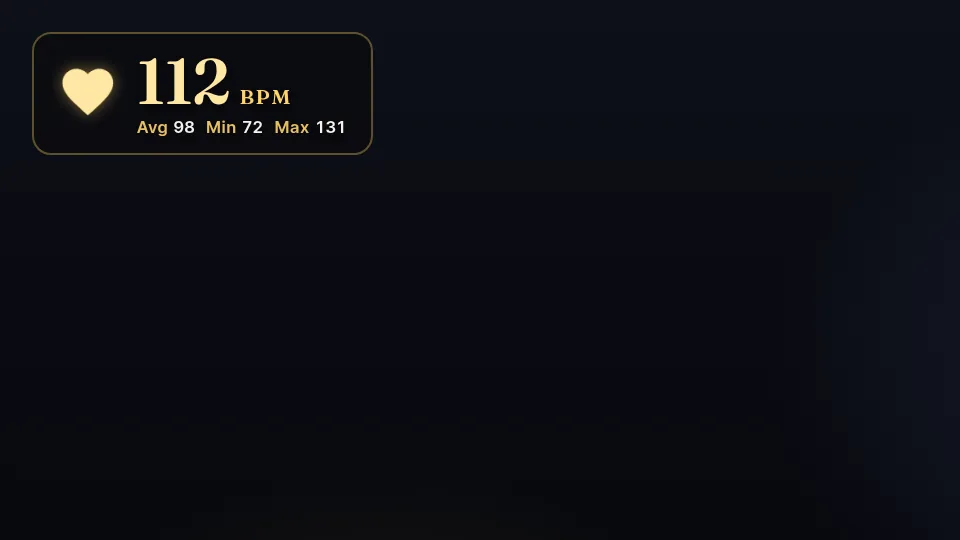
Pair a Bluetooth heart rate strap in your browser and show your live BPM, with average, min and max. No extra app.
07
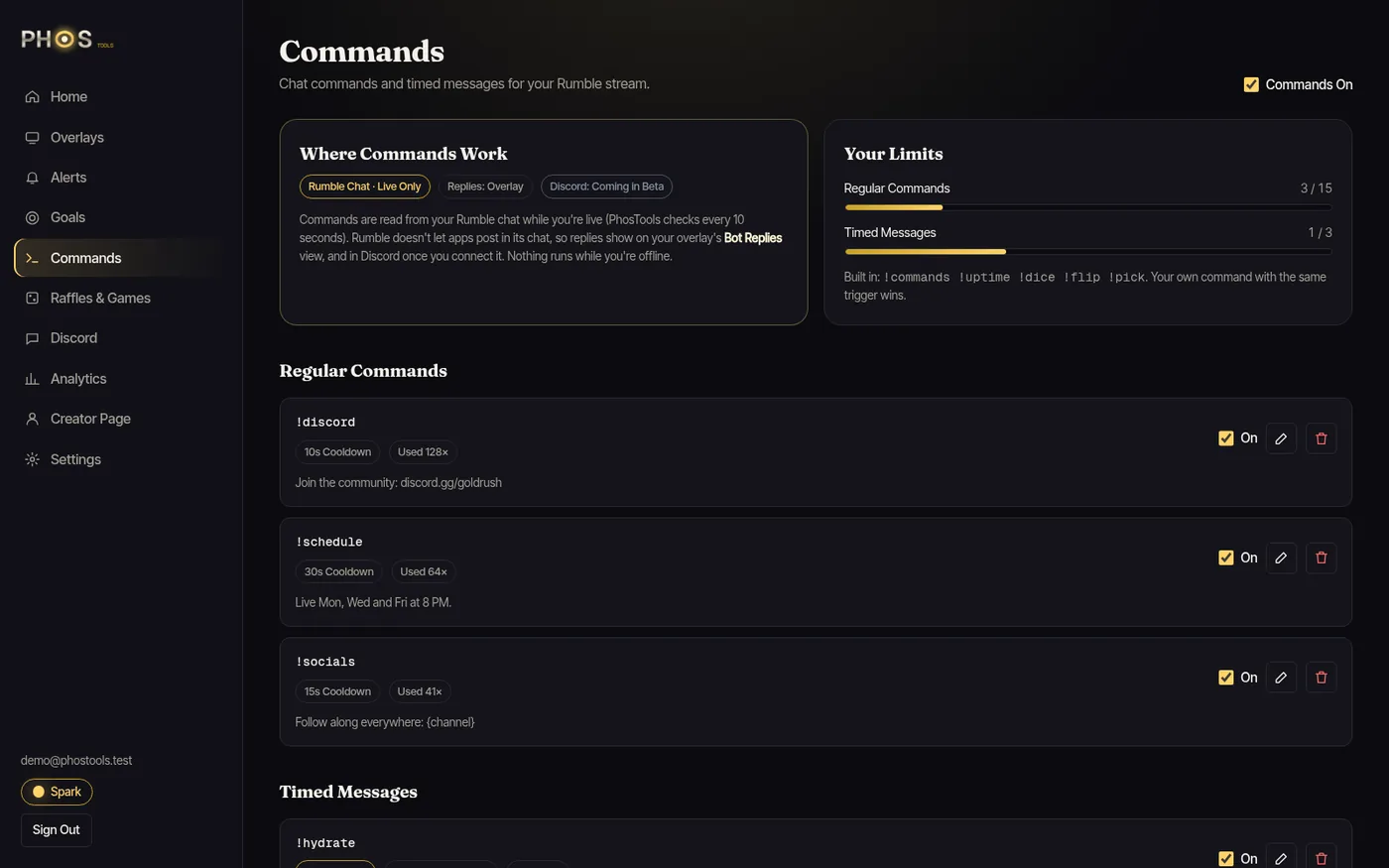
Custom !commands and timed messages read straight from your Rumble chat. Answers appear on your overlay, since Rumble's API doesn't allow bots to post in chat.
08
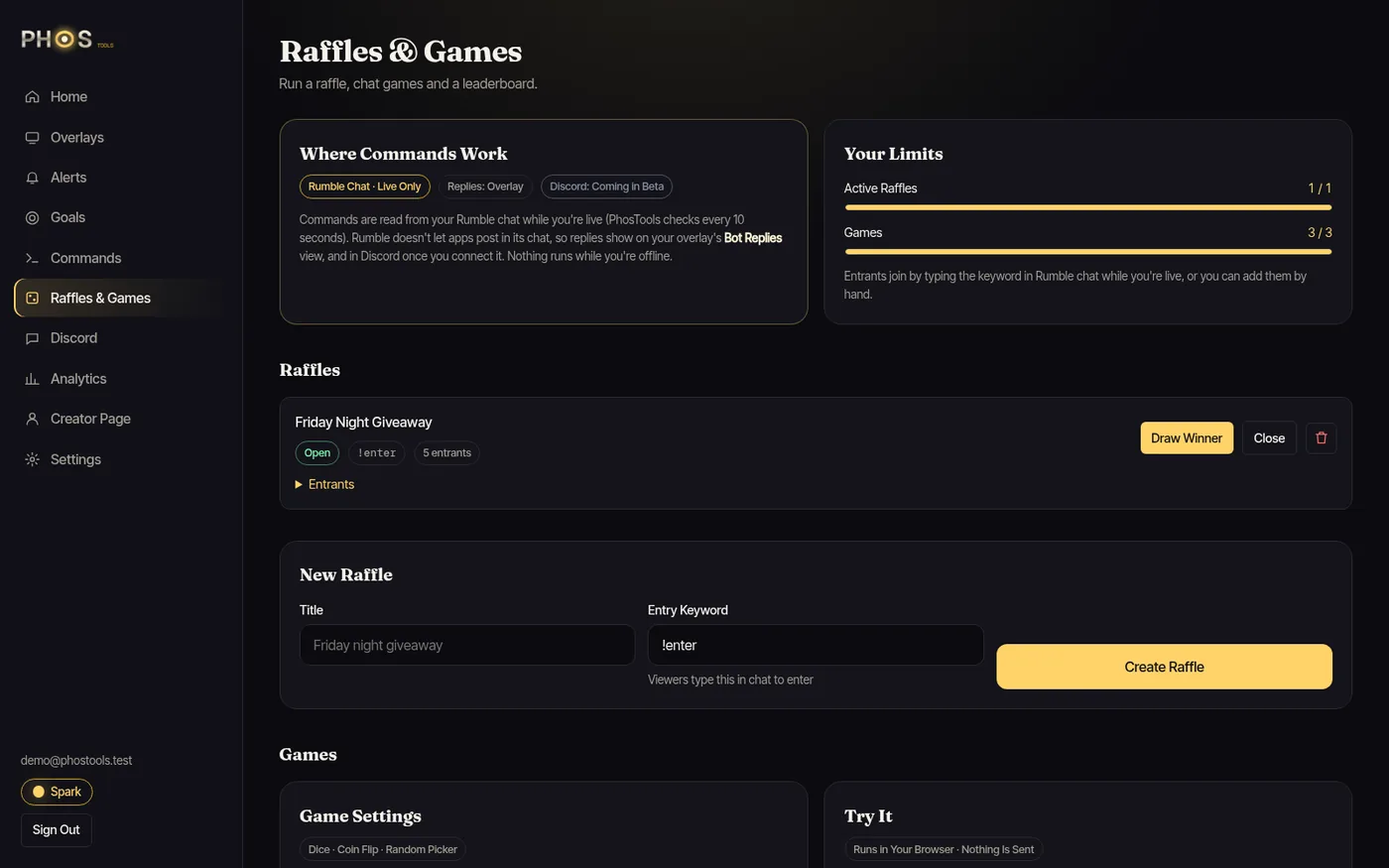
Dice, coin flip, random picker and keyword raffles, with a leaderboard. Viewers type to enter and the draw is fair and server-side.
09
Copy one link into OBS and get everything above, or add each overlay on its own. Turn pieces on and off from the dashboard.
Beyond the Stream
Your own page with a live badge, your latest stream and all your links. It flips to Live the moment you go live, with nothing to edit.


See follows, subs, gifted subs and rants by day, with a plain data table for every chart. Seven days free, up to 90 on Radiance.
Plans
Billing is off during the invite-only beta. Everyone is on Spark for free, and Spark stays free after the beta. Paid plans aren't for sale yet.
FAQ
A streamer toolkit built around Rumble: OBS overlays (alerts, goal bar, recent events, chat, emoji, ticker and heart rate), chat commands and games, raffles, analytics and a creator page that updates itself.
You paste your official Rumble Live Stream API link into the dashboard. We store it encrypted and never show it again in full. No password, no browser extension.
Almost none. Overlays don't poll. They keep one quiet connection open and only fetch when something happens, so an idle OBS makes no requests at all.
Nothing. Copy an overlay link into an OBS Browser Source and you're done. The dashboard runs in your browser.
Follows, subscriptions, gifted subs and rants. Anything Rumble's official API doesn't provide is clearly marked as unsupported in the dashboard.
Yes. The PhosTools bot replies to your commands and games right in your Rumble chat while you're live, and replies also show on your overlay. For best results, make the PhosTools bot a moderator on your channel.
Discord go-live alerts are planned and marked Coming Soon. They aren't part of the first beta.
Nothing during the beta. Everyone is on Spark for free and billing is turned off. Spark stays free after the beta. Paid plans will come later, and no card is needed to join.
The private beta opens in small waves. Join the list below and we'll email you when your spot is ready.
Private Beta
Be first in line when PhosTools opens its private beta. One email when your spot is ready, nothing else.